Skip to content

How to Move a Home Office or Remote Work Setup Without Losing Productivity

Remote professionals can't afford days of downtime during a move. This guide gives you a practical, step-by-step plan for relocating your home office efficiently - from the first backup to the moment your workstation goes live at the new address.
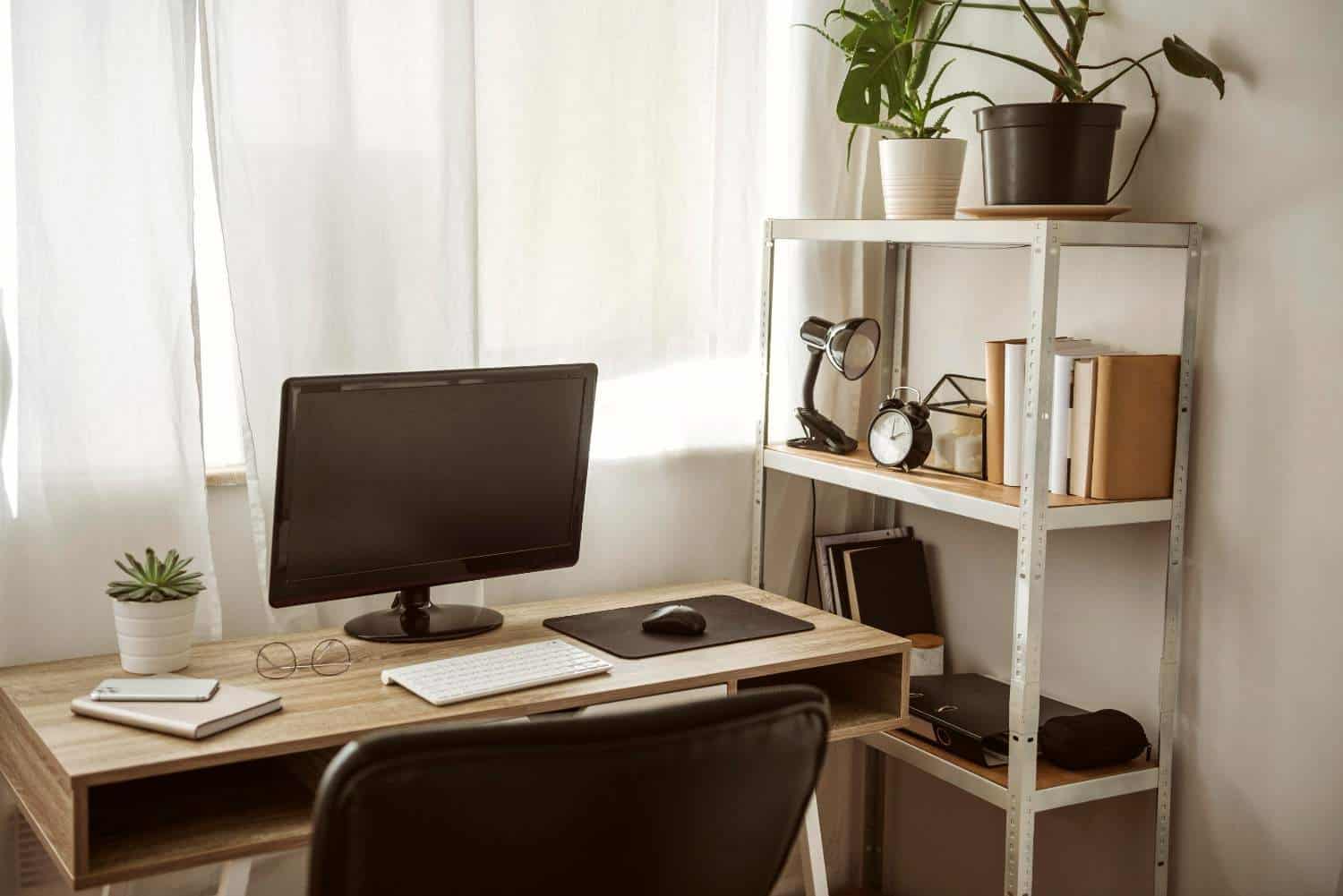
For remote workers and entrepreneurs, a home office isn’t just a room – it’s a livelihood. Every hour of downtime during a move is a missed deadline, a delayed client response, or a lost opportunity. Unlike the rest of your home, your workspace demands a level of precision and planning that goes well beyond wrapping furniture and loading boxes.

At Cali Moving SD, one of the most trusted moving companies in San Diego, we work with remote professionals, freelancers, and small business owners who can’t afford to lose days of productivity during a move. This guide gives you a clear, actionable plan to relocate your home office efficiently – protecting your equipment, preserving your setup, and getting back to work faster than you thought possible.

Start With a Full Audit of Your Setup

Before you pack a single item, take stock of everything in your home office. This goes beyond a quick glance around the room. Sit down and document every piece of equipment, every cable, every peripheral, and every piece of furniture that makes your workspace function.

Create a written inventory that includes your computer tower or laptop, monitors, keyboards, mice, webcams, headsets, printers, scanners, external hard drives, routers, modems, surge protectors, and any specialty equipment specific to your work. Note the make, model, and serial number of each item. Photograph everything – both the individual items and the overall setup, including how cables are connected at the back of your desk and workstation.

This documentation serves two purposes. First, it gives you a clear reassembly guide when you set up your new workspace. Second, it protects you if anything is damaged or lost during the move. A thorough inventory takes less than an hour and saves significant time and stress on the other end. To make sure your full move stays just as organized, explore the best moving apps to make your move easier and keep every detail tracked from start to finish.

Plan Your Downtime Window Strategically

The single most important productivity decision you make during a home office move is choosing when to go offline. Every move involves some unavoidable downtime – the goal is to minimize it and place it strategically so it causes the least disruption to your work and your clients.

Identify your lowest-demand window. For most remote professionals, this is a Friday afternoon through Sunday – or a period around a holiday or scheduled vacation. Aim to shut down your full workstation setup at the start of that window and be back online before your next critical workday begins.

Communicate proactively with clients, collaborators, and your team. Send a brief note at least a week in advance letting them know you’ll have limited availability during the move window. Set an out-of-office reply, update your availability on any project management tools you use, and front-load your workload in the days leading up to the move so your pipeline stays clear.

The professionals who navigate home office moves most successfully treat the downtime window like a planned vacation – everything gets handled in advance, and re-entry is smooth because it was anticipated and prepared for.

Back Up Everything Before You Pack Anything

This step is non-negotiable. Before any equipment gets unplugged, back up every file, project, and system on every device in your office. Use a combination of cloud storage and a physical external hard drive for redundancy. If your primary machine fails during transit – which is rare but not impossible – you want full access to your work from any device within minutes.

Back up your browser bookmarks, export your email settings, and take screenshots of any software configurations or workspace layouts that would take time to recreate. If you use a standing desk with programmable height settings, note your preferred positions. If your monitor arms have specific angle adjustments, photograph them before disassembly.

The goal is to make your new setup an exact replica of your current one – not a rough approximation that requires hours of troubleshooting and reconfiguration.

Pack Your Equipment the Right Way

Standard moving boxes and general packing materials are not sufficient for office equipment. Electronics require purpose-built protection, and cutting corners here is one of the most expensive mistakes a home office mover can make.

Whenever possible, pack electronics in their original manufacturer boxes. These are designed specifically to protect each device during transit and provide the best possible fit. If you no longer have original packaging, use double-walled boxes sized appropriately for each item, and fill all remaining space with anti-static foam or bubble wrap. Never pack electronics loosely – movement inside a box during transit is what causes damage.

Remove ink cartridges from printers before packing and seal them in a zip-lock bag to prevent leaks. Pack monitors vertically, never flat, and wrap each screen individually with screen-safe packing material before adding a layer of bubble wrap. Transport laptops in a padded laptop bag that stays with you in the vehicle rather than going on the moving truck.

Label every box clearly with its contents and mark it as fragile. Better yet, color-code your office boxes separately from the rest of your household items so your movers in San Diego know to handle them with extra care and place them in the truck last so they come off first. If you’re also relocating a full business operation rather than just a personal office, use the ultimate checklist for relocating your small business to San Diego to make sure every operational detail is covered alongside your equipment.

Cable Management Before, During, and After

Cables are the part of a home office move that most people underestimate – until they’re staring at a pile of tangled wires with no idea what connects to what. Proper cable management before the move saves hours of frustration during setup.

As you disconnect each cable, label both ends immediately with a small piece of masking tape and a marker. Use the same label on both ends – for example, “Monitor 1 – HDMI” on both the cable end and the port you pulled it from. Bundle each device’s cables together with a velcro tie and place them in a labeled zip-lock bag alongside the device they belong to.

Never pack all cables together in a single box. Mixing cables from different devices creates a tangled, time-consuming mess that slows your reassembly significantly. Keep cables paired with their devices, and your new office setup becomes a matter of following your own labels rather than guessing.

Set Up Your Office First at the New Home

When moving day arrives and the truck is unloaded, resist the urge to tackle the entire house at once. Prioritize your home office above every other room except the bedroom. Getting your workspace functional should be your first order of business – before the kitchen is organized, before artwork goes on walls, before anything else that isn’t essential to your immediate wellbeing.

Start by placing your desk and primary chair. Connect your router and modem first and confirm your internet connection is live before doing anything else. An internet outage in a new home is one of the most common and avoidable productivity killers – contact your internet provider well in advance of your move date to schedule activation at your new address on or before moving day.

Once connectivity is confirmed, reassemble your workstation using your photographs and cable labels as a guide. Power everything on and test each component before you consider the setup complete. Catching a damaged monitor or a non-functioning peripheral immediately gives you time to address it before your next workday rather than discovering it at 8am on a Monday morning. For a full picture of how moving day unfolds from the moment your crew arrives, read our guide on how to prepare your home for movers before they arrive so everything runs on schedule from the very first hour.

Maintain a Temporary Mobile Setup

Even with the best planning, unexpected delays happen. Your internet activation gets pushed back. A piece of equipment needs a replacement part. Build a temporary mobile setup that keeps you functional regardless of what happens with your primary workstation.

Pack a dedicated mobile kit that includes your laptop, a portable hotspot or confirmed access to mobile data, your essential chargers, a notebook, and any documents or files you may need to reference offline. This kit stays with you throughout the move – not in the truck – and gives you a functional work environment from anywhere at any time.

If your move-in gets delayed and you find yourself without a stable base for longer than expected, it helps to have a plan for your belongings in the interim. Our guide on what to do with your belongings when you’re between homes in San Diego walks you through every practical option so your equipment and workspace essentials stay protected no matter how the timeline shifts.

Many San Diego moving company clients who work remotely find that a nearby coffee shop, library, or coworking space serves as a reliable backup during the transition period. Identify one or two options near your new home in advance so you’re never caught without a place to work productively. If you haven’t yet decided on your new neighborhood, take a look at the San Diego neighborhoods with the best schools and family amenities – many of these communities also offer excellent coworking and cafe options that remote workers rely on daily.

Frequently Asked Questions

How far in advance should I plan my home office move?

Start planning your home office move at least four to six weeks before your move date. This gives you time to back up your systems, source appropriate packing materials for electronics, communicate your downtime window to clients, and coordinate internet activation at your new address. The office setup is the one area of a home where last-minute planning consistently causes measurable financial disruption – treat it as your highest priority from the moment your move is confirmed.

Should I move my office equipment myself or let my movers handle it?

For most standard office equipment – monitors, desktop towers, printers, and peripherals – professional movers in San Diego with experience handling electronics are fully capable of transporting your items safely when everything is packed correctly. Laptops, external hard drives, and any irreplaceable specialty equipment should travel with you in your personal vehicle. Discuss your office inventory with your San Diego moving company in advance so they can assign the right crew and materials for the job.

How do I minimize internet downtime when moving to a new home in San Diego?

Contact your internet service provider at least two to three weeks before your move date to schedule service activation at your new address. Request an activation date that falls one day before your planned move-in if possible. As a backup, ensure your mobile data plan can support a hotspot connection for at least a few days in case of provider delays. Many remote professionals also purchase a temporary prepaid hotspot device for the transition period as an added layer of redundancy.

The Bottom Line

Moving a home office requires more precision than any other room in your home – but it’s entirely manageable when you approach it with a clear plan and the right support. Back up your systems, protect your equipment, plan your downtime window, and get your workspace running before anything else. At Cali Moving SD, we understand that your office is your livelihood, and we treat it accordingly. Trust San Diego’s top-rated movers to get it done right. Call us today for a free quote.